What is the Test Tab and who benefits from using it?
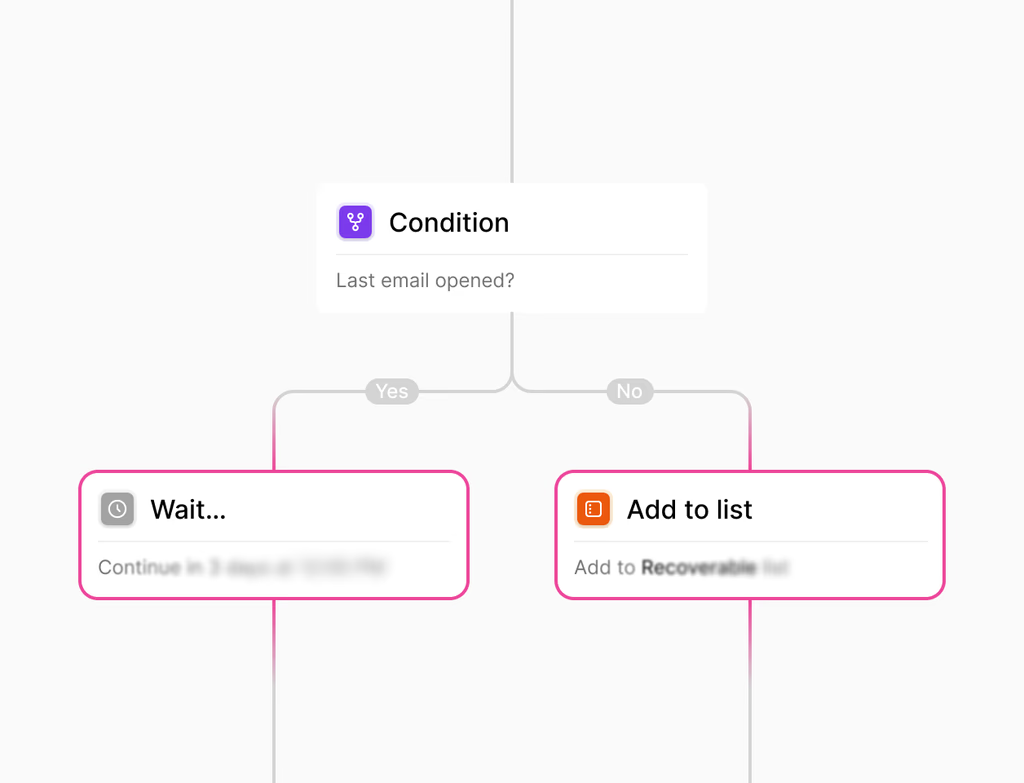
The Test Tab is a dedicated sandbox environment within the Hoop platform. It allows users to simulate conversations, channels, and edge cases for automated agents and workflows. This simulation ensures you can catch and resolve issues before promoting your configurations to a live production environment. It provides confidence before you ship new features or changes.
This feature is designed for developers, QA teams, and operations managers who build and maintain customer automation flows. It is crucial for anyone responsible for the quality and reliability of customer interactions on the Hoop platform, ensuring a smooth transition from development to production systems.
How does the Test Tab ensure confidence through testing?
The Test Tab works by providing a safe, built-in sandbox where you can validate agents and rehearse common scenarios. You run conversations and flows to verify how your prompts, variables, and tool behaviors operate. By inspecting traces within the sandbox, you gain full visibility into the agent's decision-making process.
Key benefits include:
- Rehearse common scenarios without touching live systems.
- Verify tool behavior in a non-production environment.
- Reproduce and stress-test edge cases using saved scenarios and templates.
- Measure quality by reviewing task success and traces to quickly fix issues.
How do I test real channels and external tools using the Test Tab?
The Test Tab is designed to let you validate behavior across various real channels end to end, including chat, email, and push notifications. This includes testing escalations and transcripts as they would occur in a live environment. You can simulate multichannel messages and orders within the 360-degree profile timeline for comprehensive review.
To test external tools, you connect the sandbox environment to staging credentials for those services. This simulation allows you to verify that integration responses and data handling are correct before deploying the features to your production endpoints. The Hoop platform ensures this verification process is secure and isolated.
What are the setup requirements for using the Test Tab feature?
The Test Tab is an integrated feature of the Hoop platform, meaning there are no complex external installations. You begin by accessing the Test Tab and using its built-in sandbox. The primary requirement is having configurations, such as agents or workflows, ready to test. Time to value is immediate because the environment is readily available within your Hoop workspace.
Key setup elements include:
- Define or select the agent or flow you wish to validate.
- Set up test scenarios or utilize saved templates to replicate specific user journeys.
- Input sample data to avoid affecting live systems.
- Start the simulation and review traces and logs for success and error handling.
Which pricing plans include access to the Hoop Test Tab?
The Test Tab feature is available across multiple tiers of the Hoop platform. This ensures that a wide range of organizations can benefit from rigorous testing and quality assurance, regardless of their operational scale. Based on the platform structure, the feature is included in the following plans:
- Core Plan: Provides essential testing capabilities.
- Pro Plan: Offers expanded testing features and higher usage limits.
- Enterprise Plan: Delivers full-scale testing, advanced collaboration tools, and custom sandbox configurations.
Specific usage limits may apply based on the plan, typically relating to the number of concurrent simulations or the retention period for logs and transcripts.
Does the Test Tab ensure data privacy and security during testing?
Security and privacy are paramount within the Hoop platform, especially when testing. The Test Tab operates strictly within an isolated sandbox environment. It does not use live production data by default, instead relying on sample data to avoid any impact on your live customer systems or records.
When you connect to staging credentials for external tools, these connections are managed securely and kept separate from your production credentials. This isolation ensures that sensitive production data remains protected throughout the validation process. The ability to export logs for peer checks is handled via secured transcripts.