What items are included when exporting an agent?
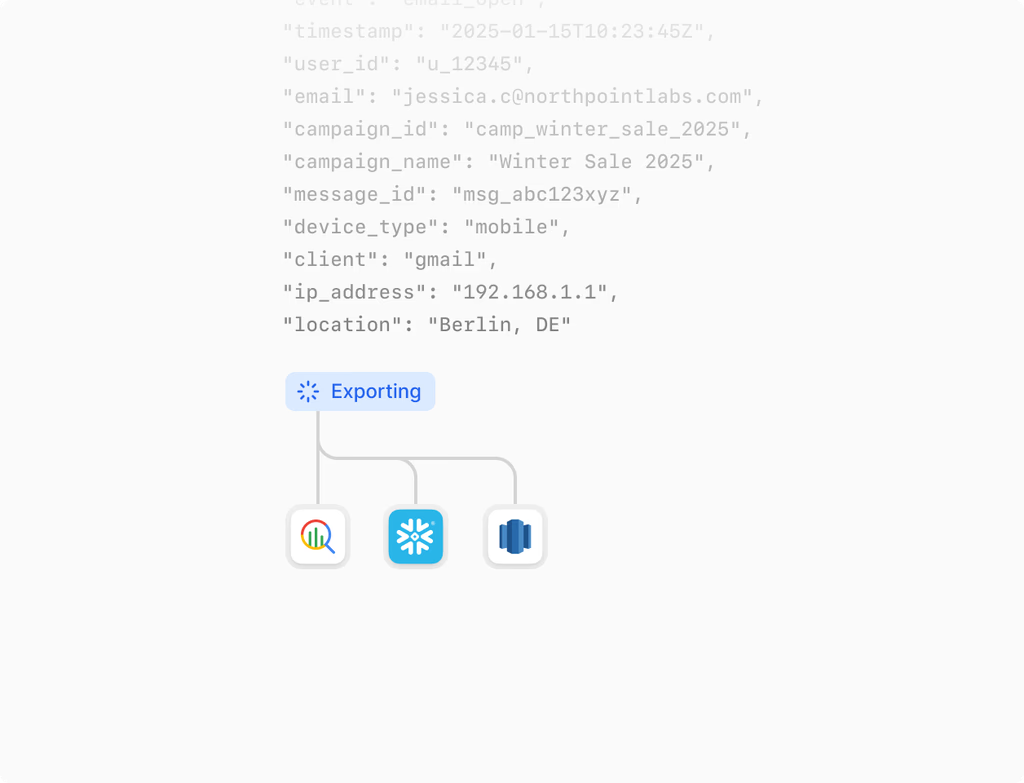
When you export an agent using Hoop, the file includes essential components necessary for portability and functionality. This ensures the agent runs as expected when imported into a new environment or workspace. The exported bundle contains the flow structure, all node configurations, variables defined within the agent, and various metadata related to the agent's setup.
However, for security purposes, connection credentials are explicitly excluded from the export. This best practice maintains the integrity of your production systems and requires remapping during the import process to ensure secure, validated connections in the destination environment. This process maintains a high level of security across your Hoop accounts.
How does agent export and import improve collaboration and delivery?
Export and Import Agents fundamentally enhance team collaboration and accelerate delivery within the Hoop platform. Teams can easily exchange agents representing best practices, allowing partners and internal groups to leverage proven configurations immediately. This eliminates the need to rebuild complex logic from scratch and significantly reduces delivery timelines for new projects or environment deployments.
The key benefits include:
- Sharing pre-validated configurations between teams.
- Accelerating delivery by reusing expert-built agents.
- Ensuring consistent agent behavior across different workspaces.
By streamlining the movement of agents, Hoop helps your organization standardize processes and maintain velocity.
Can agents be imported between different Hoop accounts or environments?
Yes, agents can be imported between different accounts or environments, provided you have the necessary permissions in both the source and destination workspaces. This capability is vital for moving agents from development to testing, and finally to production. The process is designed for confidence and includes a validation step.
During the import, you will be prompted to validate dependencies and map connections to the destination systems. This is crucial because sensitive connection credentials are not included in the exported file. Mapping ensures that the imported agent successfully connects to the appropriate data sources and services in the new environment, guaranteeing it works correctly from the first deployment.
What are the pricing plans that support the Export & Import Agents feature?
The Export & Import Agents feature is available across several core Hoop platform plans, providing flexibility for organizations of all sizes. Access to this critical feature depends on your subscription tier.
This feature is included in the following Hoop pricing plans:
These tiers ensure that whether you are a small team managing essential operations or a large enterprise requiring extensive governance and migration capabilities, you have the necessary tools for managing agent portability and configuration backups.
What auditability and governance features are provided by Export & Import Agents?
The Export & Import Agents feature offers robust tools for auditability and governance, which are crucial for maintaining compliance and tracking changes within the Hoop environment. Every export operation contributes to a reliable paper trail.
Key governance features include:
- Export History: Detailed logs record who exported what, and when.
- Checks and Validation: Import validation ensures configurations meet environment requirements.
- Snapshot Capability: Exports function as snapshots of the agent's state for future restoration.
These capabilities ensure that administrators can confidently manage configurations, provide oversight, and confirm that agents deployed across environments adhere to organizational standards and regulatory requirements.
When exporting an agent, does it capture different versions of the agent?
Yes, the export function effectively captures the state of the agent at the exact moment of export, acting as a reliable snapshot. This means that if you are exporting a feature to back up its current configuration or to move a tested version to production, the exported file accurately reflects that specific state.
This ability to capture versions allows you to restore an agent to a previously stable configuration if issues arise after an update or deployment. Snapshots are an essential part of managing the agent lifecycle on the Hoop platform, providing a fallback mechanism for continuity and controlled releases.
How do I troubleshoot issues after importing an agent?
Troubleshooting is often centered on dependency validation and connection mapping, which are critical steps during the import process. If an imported agent does not run as expected, first check the import log to ensure all dependencies were resolved and connection endpoints were correctly mapped to the new environment's systems.
Common troubleshooting steps include:
- Verify mapped connections: Ensure the agent is using the correct, active credentials for the destination environment.
- Check for missing resources: Confirm all external data sources or custom nodes referenced by the agent exist in the new workspace.
- Review environment variables: Validate that variables crucial to the agent's logic are set appropriately for the target environment on the Hoop platform.
If problems persist, review the agent's runtime logs for specific error messages.