Can I write workflow automation prompts in any language?
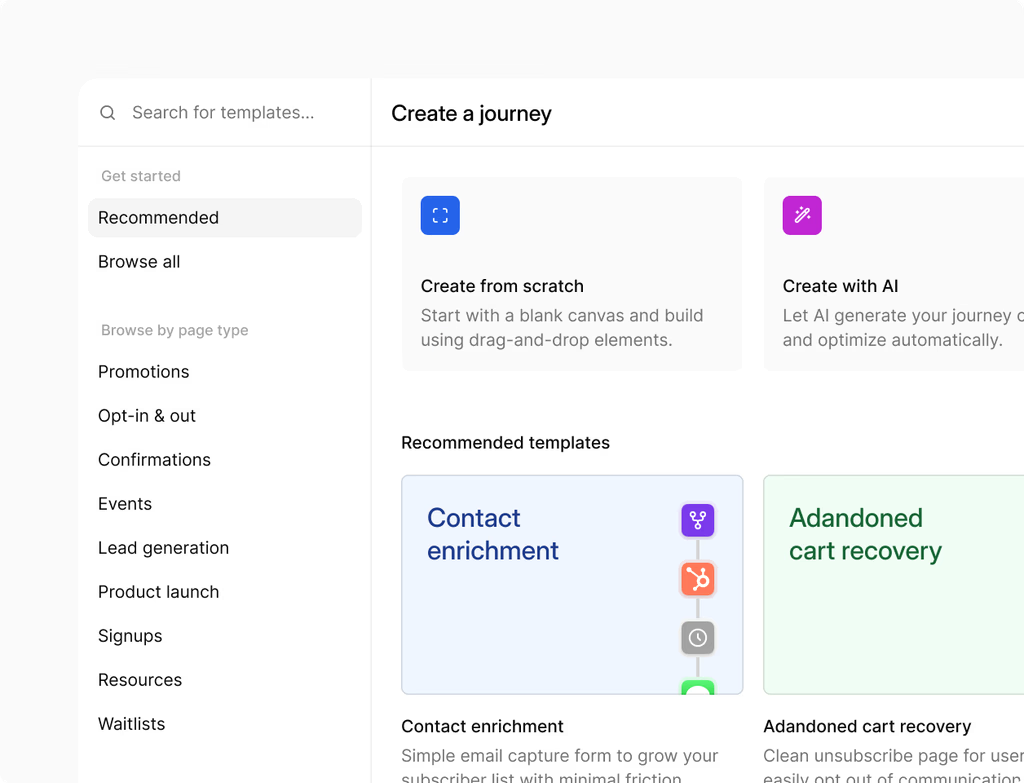
Yes. The Workflow AI Builder feature allows you to describe the automation you want in any language. The AI processes your natural language input to generate a complete and structured workflow. This capability makes automation accessible to global teams and users who prefer writing instructions in their native tongue.
The system is designed to translate your functional requirements into the necessary triggers, actions, and logic steps within the Hoop platform's workflow canvas. This means you do not need to be proficient in technical programming or specific command syntax.
Does the Workflow AI Builder handle complex logical branching?
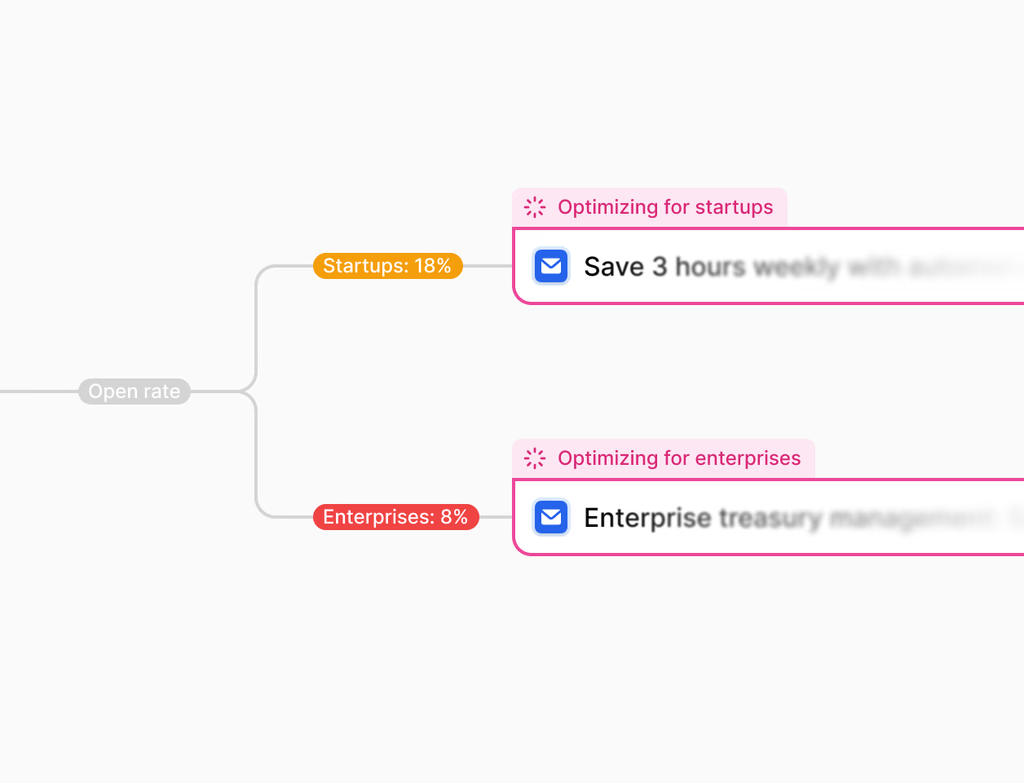
Yes, the AI is fully equipped to handle complex logic. When you describe an automation with conditional requirements or multiple paths, the Workflow AI Builder generates multi-branch workflows, conditions, and sophisticated routing. You can design comprehensive journeys that respond dynamically to different data inputs.
The generated flows include all structural elements required for advanced automation:
- Triggers and Waits
- If/Else Conditional Branches
- Multi-step Actions
- Content Generation for communication steps
This allows for the creation of intricate customer journeys or internal operations, moving far beyond simple drip campaigns.
What are the primary ways to edit an AI-generated workflow?
You can refine the workflow using two powerful editing methods after the AI generates the initial draft. This ensures precision without requiring you to manually build every step from scratch.
The primary editing methods are:
- Conversational Editing: Use natural language prompts to ask the AI to add, remove, replace, or move steps within the flow. You can make multiple changes in a single request, and the AI keeps context as you iterate.
- Point and Edit: For surgical precision, you can directly select individual steps or drag-select groups of steps on the canvas. This is ideal for bulk changes or modifying specific parameters within complex flows without affecting the overall structure.
Do I need to create my own email and SMS content for the steps?
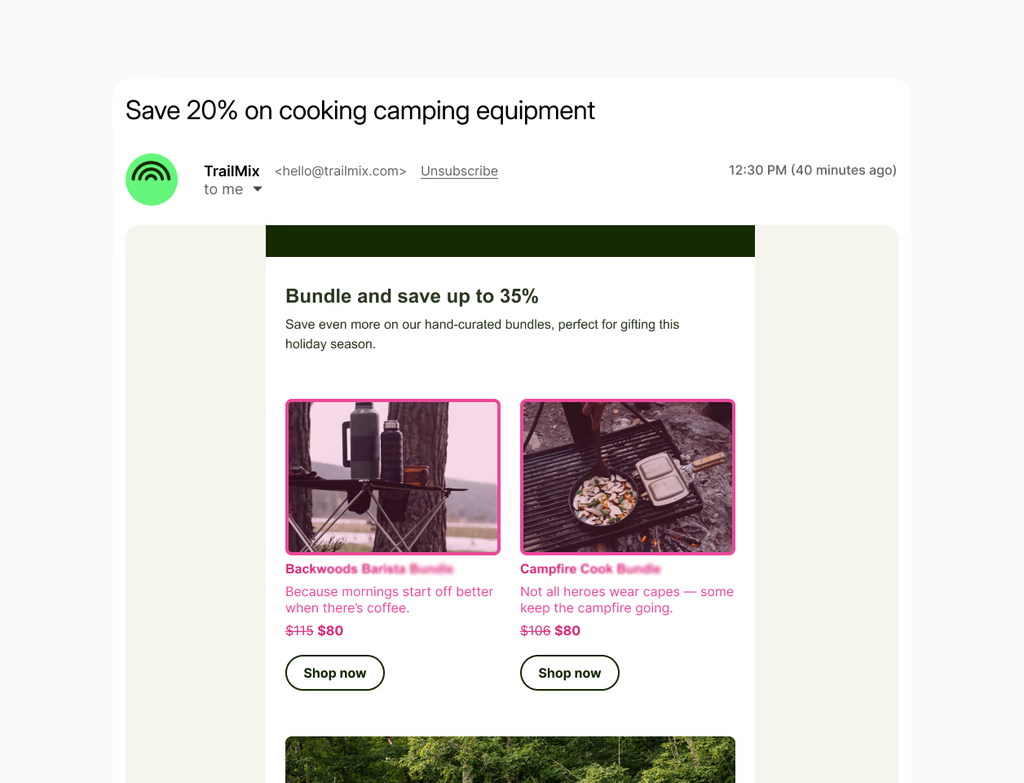
No, the Workflow AI Builder takes the heavy lifting out of content creation. When generating the workflow, the AI automatically includes pre-written email and SMS copy for communication actions. This content is generated based on the context of the automation you described.
While the initial drafts are ready for use, they are also fully editable. You can easily refine the generated copy to better match your brand voice or specific campaign details, significantly accelerating your deployment time within the Hoop platform.
Which pricing plans include access to the Workflow AI Builder feature?
The Workflow AI Builder is a core feature designed for high-value automation and is available across multiple Hoop platform pricing tiers. This ensures users at various scales can benefit from AI-powered workflow creation.
Specifically, the feature is accessible on the following plans:
While the feature is available, a fair usage policy applies, particularly to very large and complex workflows. For extensive automation needs, Enterprise plans often offer the flexibility required, but all users should review their specific plan details regarding usage limits.
Is manual testing necessary before activating a new workflow?
Yes, manual testing remains a critical step. While the Workflow AI Builder generates a structurally sound and ready-to-run automation, you must manually review all configurations before activation. This is a standard security and quality control practice within the Hoop platform.
You should specifically check:
- All action steps connect to the correct external app accounts.
- Conditional logic branches perform as expected for your data inputs.
- The pre-written content is customized and accurate for the audience.
Always perform a test run to confirm the workflow interacts correctly with integrated systems and achieves the desired outcome before deploying it live.